Customer portal
The white-labeled portal where those invoices get paid: card or bank, no platform fee.
Invoicing & payments
Invoices generate themselves the moment work is done, and customers pay online from their phone, card or bank. The unbilled work that used to leak out of your margin gets captured automatically.
Three paths to an invoice
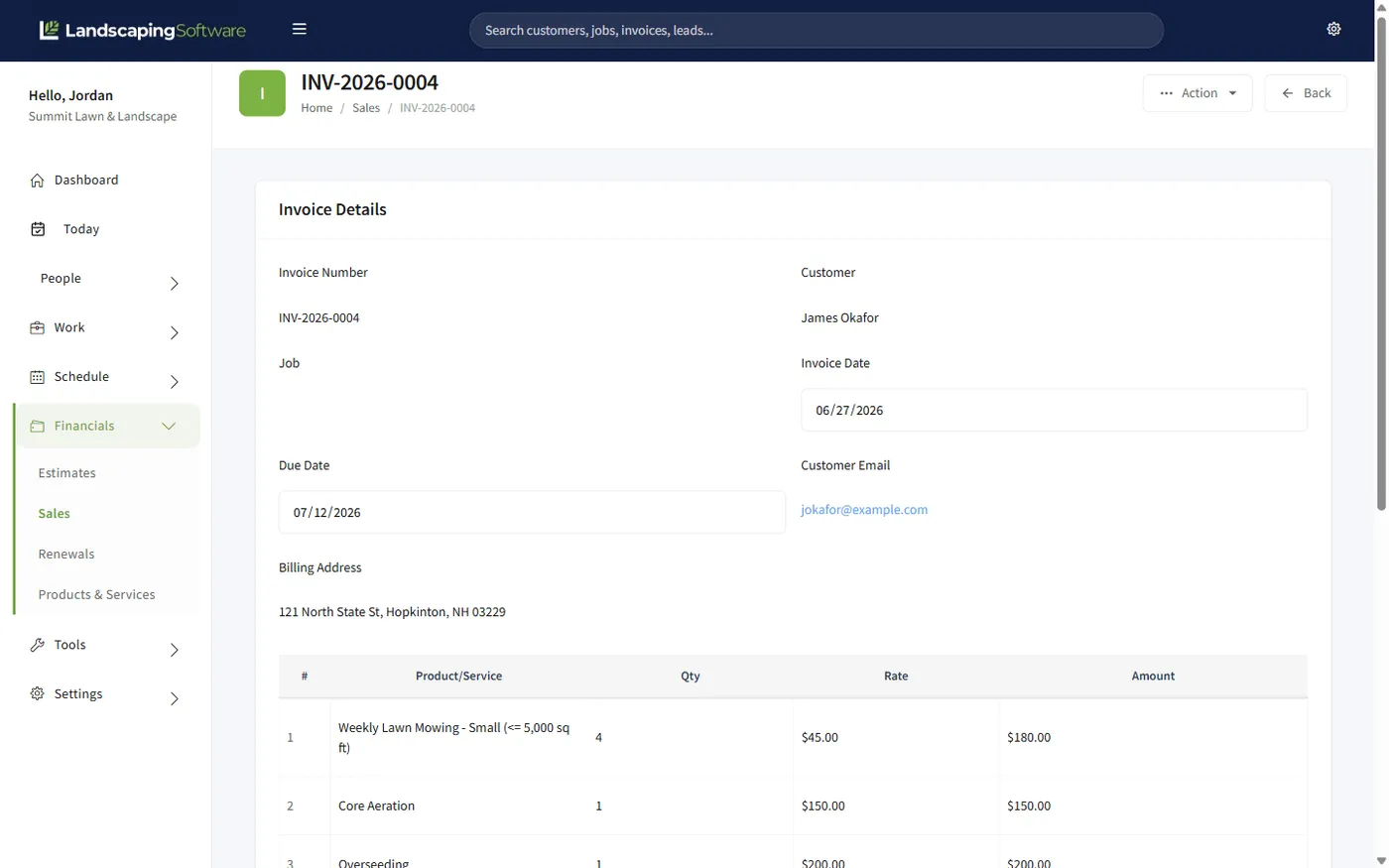
Every invoice lands in the same Sales list either way, with a live status, line items, and payment history. You choose the path per job.
One at a time
Pick the customer and job, add line items, save. For one-off work, custom amounts, and anything that doesn’t follow a pattern.
You press the button
Generate an invoice for every completed, unbilled visit (or a whole program round, one invoice per customer) in one pass. Already-invoiced work is skipped automatically.
The system presses it
Opt a job in and invoices create themselves: instantly when a visit completes (per-visit jobs) or at the start of each month (monthly fixed). Created for review, never auto-emailed.
Flexible billing
Weekly mowing bills per visit. The fertilization program bills per round. The commercial account is a flat monthly number. A one-off cleanup is billed by hand. In most tools you bend the work to fit the billing. Here, each job carries its own billing mode, and the right invoices come out the other end.
Due dates come from each job’s invoicing terms, generated amounts come from the job’s accepted estimate, and when an invoice is fully paid, its job closes automatically. The office always knows what’s billed, what’s owed, and what’s overdue.
Unpaid, not yet due
Unpaid and past the due date: chase these
Some money in, balance still owed
Paid in full; linked job auto-closes
The Sales grid filters, sorts, groups, and exports to Excel, PDF, or CSV: reconciliation-ready.
Getting paid
Customers open an invoice in the portal, click Pay, and pay by card or US bank account (ACH), full balance or partial. The payment appears in your Sales list on its own with an "Online" badge; no action needed from the office.
You connect your own Stripe account and pay only Stripe’s standard rate. We never hold your money and never take a cut. Prefer to net the full invoice amount? Turn on fee passthrough and the processing cost is added at checkout: card and ACH controlled separately, with disclosure text the customer sees.
Works together
The white-labeled portal where those invoices get paid: card or bank, no platform fee.
Bill a fertilization round in one pass: one invoice per customer, per round.
Completed storm visits queue for billing the same day the snow stops.
Visit completion in the field is what triggers per-visit auto-invoicing.
Questions
Per visit (invoice each completed visit), monthly fixed (one invoice at the start of each month), per program round (one invoice per customer when a round completes), and manual or seasonal-prepay work you bill by hand. Pick the mode per job. Different jobs for the same customer can bill differently.
No. Automatic and batch invoicing create invoices for your review on the Sales page; nothing is ever emailed to a customer automatically. You review, then email or print when you’re ready.
One button generates an invoice for every completed, not-yet-invoiced visit on per-visit jobs; another rolls up the month for every monthly-fixed job; program rounds bill one invoice per customer, round by round or a season at a time. The system figures out what’s billable and skips anything already invoiced, so re-running is safe.
Through the customer portal, by credit or debit card or US bank account (ACH). Payments land in your Sales list automatically with an "Online" badge, invoices flip to Paid, and card funds typically reach your bank in about two business days through your own Stripe account.
No. You connect your own Stripe account and pay only Stripe’s standard processing rate. We take no cut. If you’d rather pass the processing fee to the customer, there’s a toggle for that, with separate control for card and ACH and a live preview of what the customer would pay.
Yes. The Receive Payment screen splits a single payment across multiple open invoices for a customer, and Quick Pay records a payment right from the Sales list. When an invoice is fully paid, its linked job closes automatically.
Every plan: invoicing, flexible billing, batch billing, auto-invoicing, and portal payments are all included from Starter up. Program-round billing requires Programs, which start on the Pro plan.
14-day free trial · No credit card required